128, 320, or Lossless: A No-Nonsense Guide to Audio Formats for Normal People
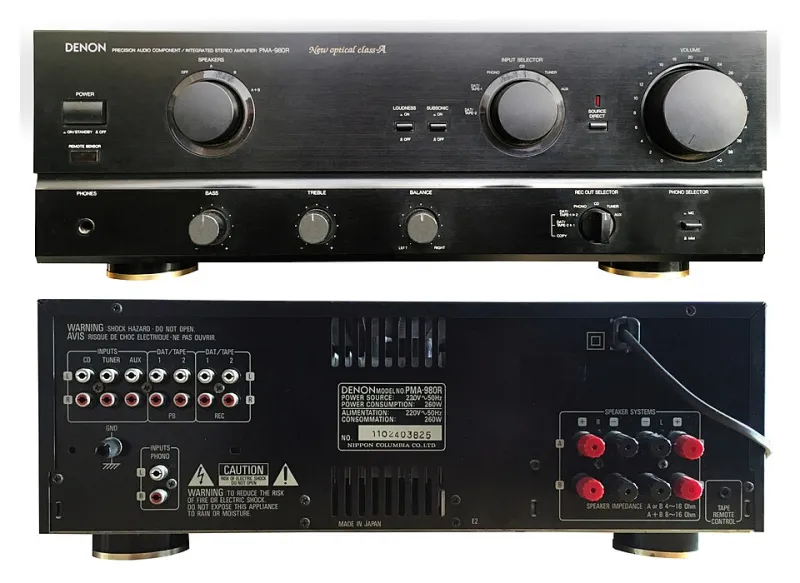
Photo: Pittigrilli, CC BY-SA 4.0, via Wikimedia Commons
You've decided to build an offline music library. Great move. Then you hit the first wall: a wall of acronyms. MP3. AAC. FLAC. WAV. Numbers like 128kbps and 320kbps get thrown around like everyone was born knowing what they mean. Nobody was. So let's fix that in about ten minutes.
What a bitrate actually is (no physics degree required)
Think of a song as a river of sound. The bitrate is how wide the pipe is that carries it to your ears. 128kbps means 128 kilobits of audio data every second. 320kbps is a much wider pipe. More data flowing through generally means more detail surviving the trip.
Here's the part the jargon hides: at lower bitrates, the file is compressed in a way that throws information away permanently. That's called "lossy," and formats like MP3 and AAC are the usual suspects. The clever part is that they're designed to discard the stuff human ears are worst at noticing. A 128kbps MP3 isn't a broken file — it's a file that made educated guesses about what you wouldn't miss.
Then there's "lossless" — FLAC, WAV, ALAC — where nothing gets thrown out. Full detail, every time. The tradeoff? File sizes that run three to five times bigger than a decent MP3.
Can you actually hear the difference?
Blind listening tests have been done to death on this, and the honest answer is: it depends on three things — your equipment, the listening environment, and your ears.
In the car? Road noise at 65 mph on the interstate masks an enormous amount of detail. A well-made 192kbps or 320kbps file is effectively indistinguishable from lossless over engine and tire rumble. Save the storage space.
On cheap earbuds at the gym? The earbuds are the bottleneck, not the file. A 256kbps file through $20 earbuds sounds like $20 earbuds. Lossless won't rescue them.
On a home stereo with good speakers, in a quiet room? Now you're in territory where careful listeners genuinely can pick out lossless files, especially in dense, complex recordings — live albums, orchestral stuff, well-produced rock. Whether you can is a different question, and there's no shame in the answer being no.
The practical cheat sheet
Here's how I'd allocate storage if you're building a library to keep:
- Gym and workout headphones: 192–256kbps MP3 or AAC. Sweat, bass, and background pop music don't reward extra bits.
- Car listening and road trips: 256–320kbps. Bump it up if you've got a nice sound system and the storage to spare.
- Phone-only everyday listening: 256kbps is the sweet spot. Balances quality and space when your library is in the hundreds of songs.
- Home stereo, serious listening: FLAC, if you have the space. A full album might run 300–400MB, so this is a commitment.
- Archiving songs you never want to re-rip: FLAC or WAV. If it's your permanent collection, store the master copy in lossless and make smaller copies for the road.
One thing worth knowing about streaming quality
Streaming services use their own formats and variable bitrates, and the quality you get can shift depending on your connection — meaning the same song can sound slightly different on a subway versus your Wi-Fi. One underrated perk of owning files: what you saved is what you get, every single play. No adaptive downgrading, no mysterious quality drops. Consistency is a quiet luxury.
The bottom line
Don't let anyone make you feel bad about your choices in either direction. If you can't hear the difference between a 256kbps file and FLAC in your daily life, saving at 256kbps is the smarter move — more songs, less space, same enjoyment. If you've got the ears, the gear, and the drive, lossless is there for you.
The best format is the one that gets your music onto your device and playing reliably wherever you are — whether that's a squat rack in Ohio or the final stretch of Highway 1.